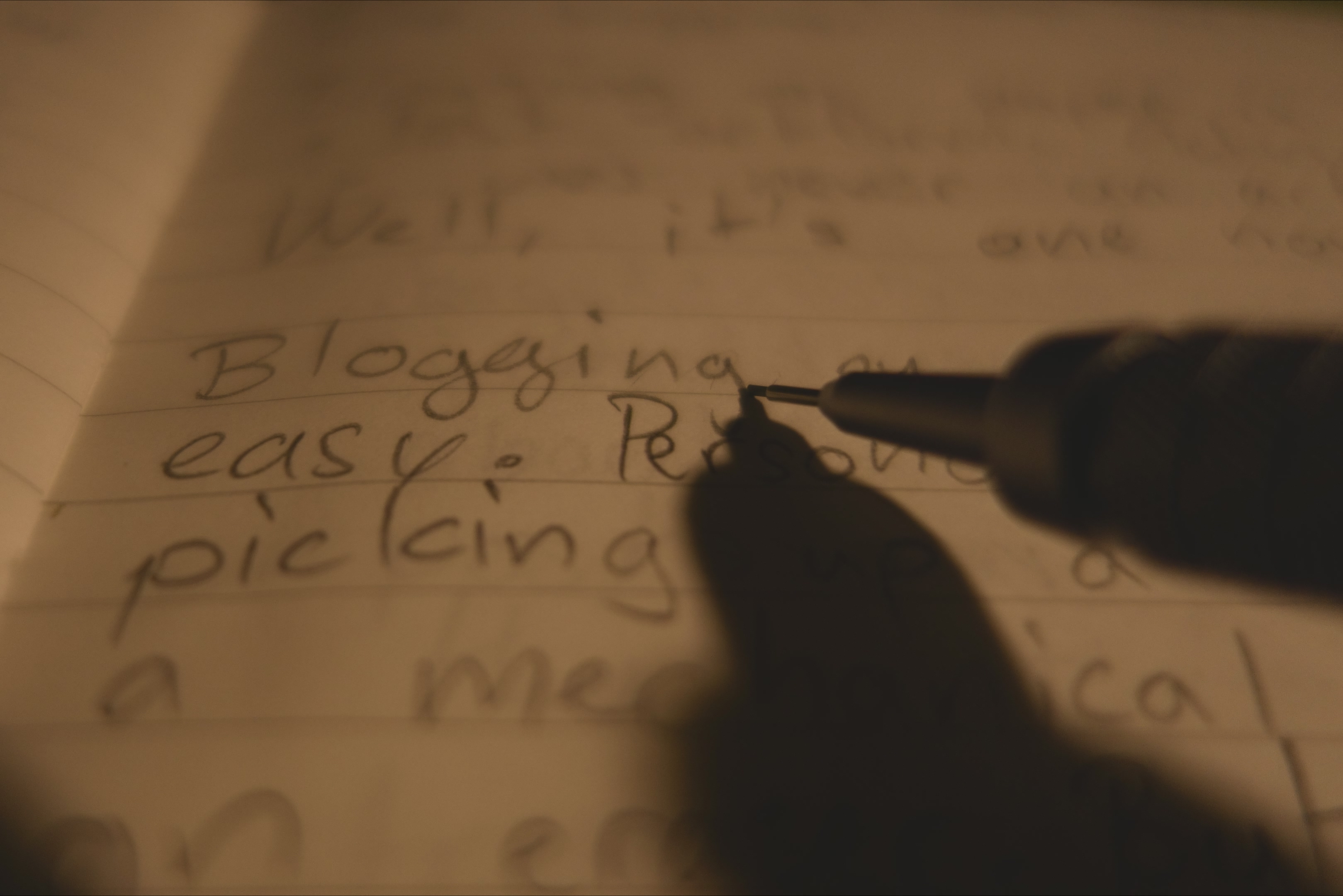
Writing blog posts is, in my opinion, one of the best ways to exercise your brain and get your opinion in the wild, while also learning how to build a website. But, being someone who already uses the computer far too much, makes it kind of negative. But, a simple notebook can change that.
I recently got a notebook, a very small one at size "B6", but I had no use for it. However, I wasn't letting beautiful paper, from beautiful trees, go to waste. I quickly thought of a solution, though, getting back into blogging.
Blogging on paper is kinda a lost art form.
Well, actually, it was never an art form.
Well, it is now!
Blogging on paper is ridiculously easy. Personally I'd recommend picking up a small notebook, a mechanical pencil and an eraser. But you just need paper, and something to write with. You also need to have the mindset. This isn't something you can buy in a store (yet!), it's something you acquire through discipline and willingness to try.
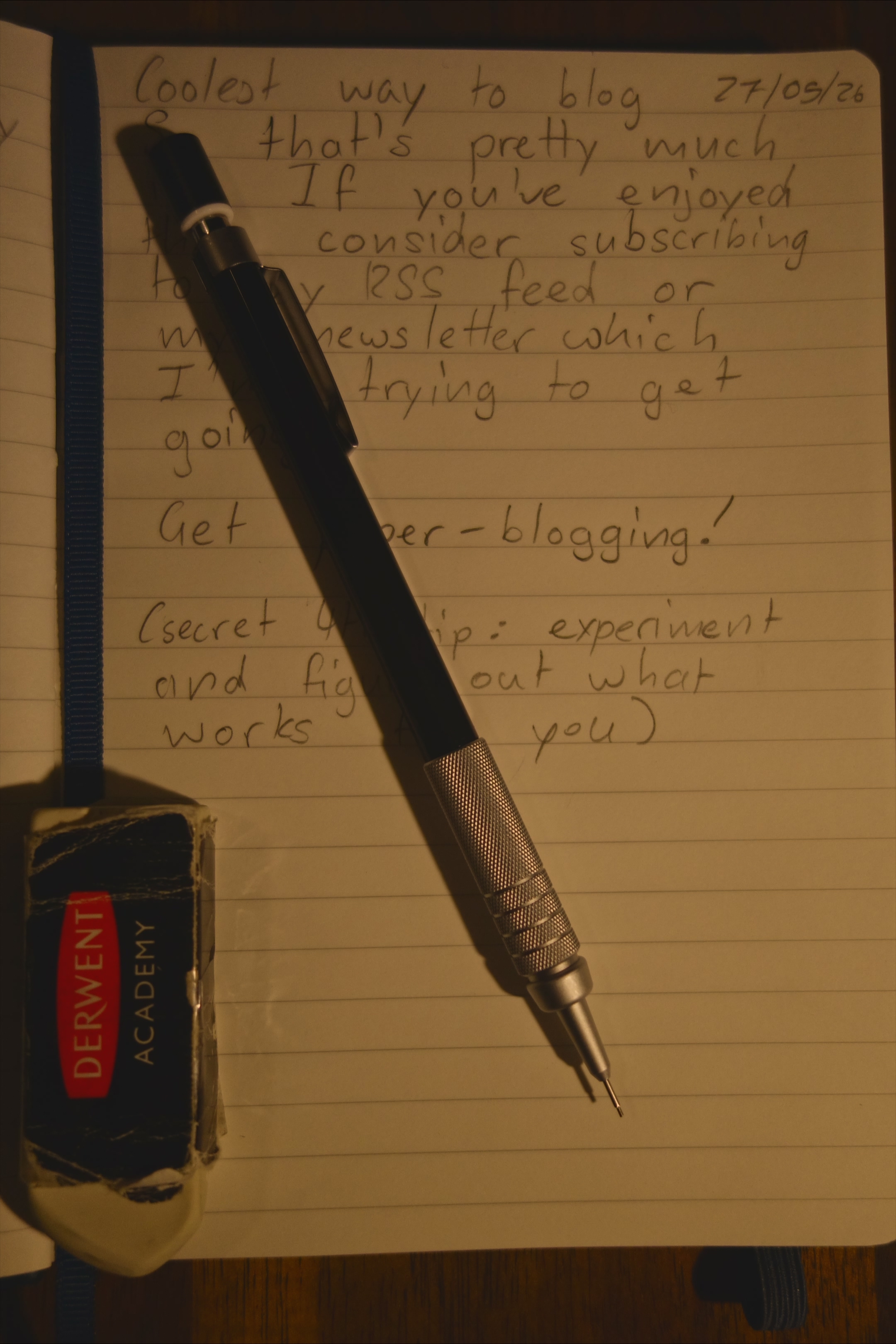
If you're ready to begin, then I'm going to give you some tips and tricks.
Tips & Tricks
-
Write in a format.
This may sound stupid, but using some kind of format is a great way to make sure our blog posts will transfer nicely on HTML or Markdown, and remain fully readable in your book. I highly recommend using Markdown (really just for headings to be honest) because it's much cleaner and easier than HTML tags.
-
Don't worry abut spelling or other mistakes; be zen
Worrying about mistakes ruins a writing session instantly. No joke. The biggest thing about writing a blog post on paper is that it will be transferred to your computer, then you can fix the mistakes. Just write and worry about your bad spelling later.
-
Learn how to transfer from your notebook to your computer
This may seem like a really easy thing to do, but there are so many different ways to transfer, it ends up being overly complex.
You've really got to play to your strengths here. Personally, I think that I am pretty good at typing, so I simply transfer it straight into my code editor, Visual Studio Code, check for spelling mistakes with a neat little extension called Harper, and go along with my day. Another method is transferring it into a Markdown editor (Google Docs is one nowadays!) and convert that Markdown into HTML, something that is pretty easy to do.
But not everybody is great at typing. You can use voice to text (which personally, I don't really like), or use a compelling strategy of scanning the paper into AI or something.
But really, just stick to typing. It's easier.
So that's pretty much it. If you've enjoyed this, I would say consider subscribing to my RSS feed or newsletter or something, but that's not happening lol.
Get paper blogging!
(secret 4th tip: experiment and figure out what works for you)
Comments